
Common Accounting Cybersecurity Mistakes and How to Avoid Them
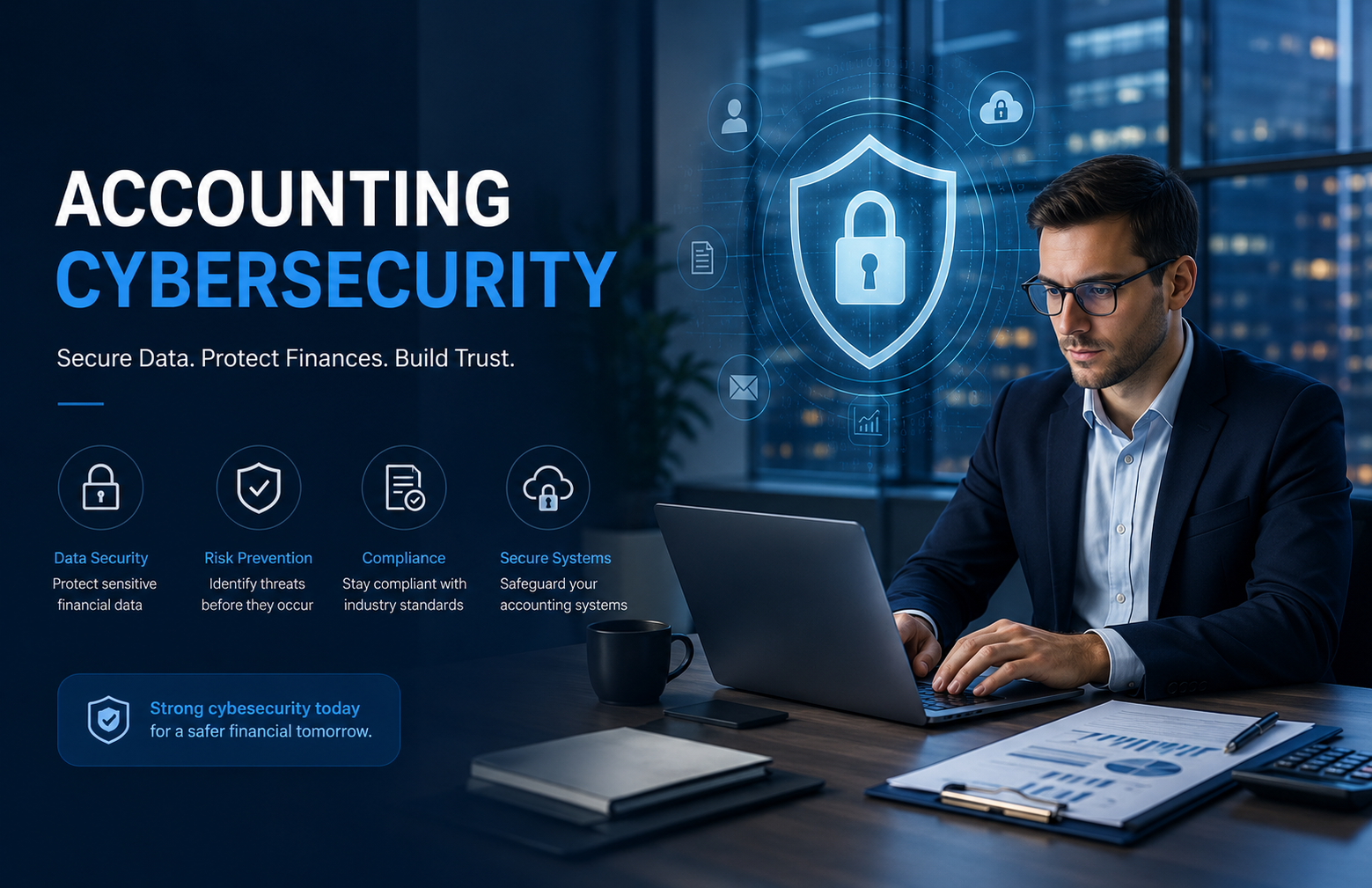
Accounting departments handle some of the most sensitive information in a business. Bank details, payroll records, tax documents, invoices, customer information, financial statements, and vendor payment details all pass through accounting systems.
That makes accounting teams an attractive target for cybercriminals.
The problem is that many accounting cybersecurity incidents do not begin with sophisticated hacking. They often start with something surprisingly simple: a reused password, a suspicious email, an unnecessary user account, or a payment request that nobody verified.
The good news is that many common accounting cybersecurity mistakes are preventable.
By understanding the most frequent risks and putting basic security controls in place, businesses can significantly reduce the chances of financial data being compromised.
1. Using Weak or Reused Passwords
One of the simplest cybersecurity mistakes is also one of the most common.
Employees may use easy-to-remember passwords or reuse the same password across multiple systems.
If one password is compromised, attackers may try using it to access email, accounting software, cloud storage, payroll platforms, and other business systems.
How to avoid it
Use strong, unique passwords for financial accounts and consider using a reputable password manager.
Most importantly, enable multi-factor authentication (MFA) wherever it is available.
MFA adds another verification step, making it much harder for attackers to access an account using only a stolen password.
2. Giving Everyone Access to Everything
Not every employee needs access to every financial system.
Giving excessive permissions increases the potential damage if an employee's account is compromised.
For example, someone who only needs to create invoices probably does not need permission to modify vendor banking information or access payroll records.
How to avoid it
Use role-based access controls.
Give employees only the permissions required to perform their responsibilities. Review those permissions regularly and immediately remove access when someone leaves the company.
A simple rule is:
Access should match responsibility.
3. Trusting Email Payment Requests
Business email compromise is a major concern for accounting teams.
An attacker may impersonate a business owner, executive, customer, or vendor and request a payment or bank-account change.
The email may look completely legitimate.
How to avoid it
Never rely solely on email for unusual financial requests.
If a vendor asks to change banking information, independently contact the vendor using a known phone number or previously verified contact information.
For large or unusual payments, establish a second-person approval process.
A few minutes of verification can prevent a major financial loss.
4. Sending Sensitive Documents Through Unsecured Channels
Accounting teams regularly exchange tax forms, payroll records, financial statements, bank information, and other sensitive documents.
Sending these files through unsecured channels can increase exposure.
How to avoid it
Use secure document-sharing systems or encrypted communication methods for sensitive information.
Avoid sending confidential financial documents through personal email accounts or unapproved messaging applications.
Businesses should establish clear policies explaining how sensitive documents should be shared and stored.
5. Ignoring Software Updates
Accounting software, operating systems, browsers, and security applications require regular updates.
Some updates address security vulnerabilities that attackers could otherwise exploit.
Delaying updates can leave systems unnecessarily exposed.
How to avoid it
Enable automatic updates where appropriate and establish a process for keeping business software current.
Do not focus only on the accounting platform. Review all systems connected to financial operations, including payroll, banking, expense management, cloud storage, and payment applications.
6. Forgetting About Former Employees
Employee turnover creates another cybersecurity risk.
When an employee leaves the company, their access to accounting software, email, cloud storage, and other systems should be removed promptly.
Leaving old accounts active creates unnecessary opportunities for unauthorized access.
How to avoid it
Create an employee offboarding checklist.
When someone leaves, immediately review and disable:
- Email accounts
- Accounting software access
- Banking access
- Cloud storage
- Payroll systems
- VPN accounts
- Third-party integrations
Access reviews should also occur when employees change roles.
7. Failing to Back Up Accounting Data
Many businesses focus heavily on preventing cyberattacks but overlook recovery.
Ransomware, accidental deletion, system failures, and other incidents can make financial records unavailable.
Without reliable backups, recovery can become extremely difficult.
How to avoid it
Maintain secure and regular backups of important accounting information.
Backups should be protected from unauthorized access and periodically tested to ensure they can actually be restored.
Do not assume that having a backup means your recovery process is ready.
Test it.
8. Falling for Phishing Emails
Phishing attacks often target employees rather than technical systems.
An attacker may send an email containing a fake invoice, malicious attachment, fraudulent login page, or urgent payment request.
Accounting employees can be particularly attractive targets because they regularly work with payments and financial documents.
How to avoid it
Train employees to recognize warning signs such as:
- Unexpected attachments
- Urgent payment requests
- Suspicious links
- Unusual sender addresses
- Requests for passwords
- Unexpected changes to payment instructions
Employees should know that asking for verification is encouraged—not something they should be afraid to do.
9. Using Shared Accounting Accounts
Shared usernames and passwords make it difficult to determine who performed a specific action.
If several employees use the same accounting login, there may be no reliable accountability.
How to avoid it
Create individual user accounts for employees whenever the software supports them.
Individual accounts make it easier to control permissions, monitor activity, and remove access when an employee leaves.
Avoid shared credentials for important financial systems whenever possible.
10. Ignoring Third-Party Access
Your accounting system may be connected to numerous external applications.
Payroll software, payment processors, expense platforms, banking integrations, reporting tools, and other applications may have access to financial information.
Every integration creates another potential security consideration.
How to avoid it
Regularly review third-party applications connected to your accounting systems.
Ask:
- Does this application still need access?
- What information can it access?
- Who manages the integration?
- Is the vendor's security approach appropriate?
- Can unnecessary permissions be removed?
Delete integrations that are no longer needed.
11. Assuming Accounting Software Is Enough
Cloud accounting software can include strong security features, but simply using reputable software does not make a business completely secure.
Cybersecurity depends on how the system is configured and used.
Weak passwords, excessive permissions, poor employee training, and insecure devices can still create vulnerabilities.
How to avoid it
Treat software as one layer of security—not the entire strategy.
Combine technology with employee training, access controls, MFA, secure processes, monitoring, and regular security reviews.
12. Not Having an Incident Response Plan
What happens if someone gains unauthorized access to your accounting system?
If nobody knows what to do, valuable time can be lost.
How to avoid it
Create a simple incident response plan that identifies:
- Who should be notified
- Who can disable accounts
- Who contacts the bank
- Who manages communication
- How systems are isolated
- How backups are restored
- How the incident is documented
The plan should be reviewed periodically and updated as the business changes.
A Simple Accounting Cybersecurity Checklist
Business owners can start with these basic steps:
✓ Enable multi-factor authentication
✓ Use unique passwords
✓ Limit financial-system permissions
✓ Train employees on phishing
✓ Verify unusual payment requests
✓ Secure sensitive documents
✓ Keep software updated
✓ Remove former employees' access
✓ Maintain secure backups
✓ Review third-party integrations
✓ Monitor unusual financial activity
✓ Maintain an incident response plan
These steps may seem simple, but together they can create multiple layers of protection around sensitive financial information.
Final Thoughts
Accounting cybersecurity does not have to be complicated to be effective.
Many security problems begin with basic mistakes: weak passwords, excessive access, unverified payment requests, outdated software, phishing emails, and poor employee offboarding.
The solution is not necessarily to purchase every cybersecurity product available.
Instead, businesses should build a consistent security process around their financial systems.
Start with strong authentication. Limit access. Train employees. Verify financial requests. Protect sensitive documents. Maintain reliable backups. Review third-party access regularly.

 English
 Arabic
 French
 Spanish
 Portuguese
 Deutsch
 Turkish
 Dutch
Dutch
 Italiano
 Russian
 Portuguese (Brazil)
 Greek
Greek